Android
A local VPN routes all traffic to the embedded engine: no app slips past it.
- Deny by default, private browsing included
- Sites, apps, schedules and screen time
- Device Owner lock: no uninstall, no reset without consent
Every device. Every browser.
@t Filter only lets approved websites through. The filter runs on the device itself: your browsing goes through no server, ours or anyone else's.
This page is blocked according to your household settings.
The request reaches the parents, who answer in one click.
On every device, private browsing included: no adult sites, and SafeSearch enforced.
An e-mail address is enough. No password to remember.
A step-by-step guide, with a code to type in.
From Minimum to Maximum. Change it whenever you like.
The filter does not just block addresses: it reads what appears, on the device itself.
Every page is read before it shows. What is not allowed stops dead.
AI analyses images on the device and masks skin tones, without sending a single image.
Playback is blocked or filtered at the level you chose, platform by platform.
Search engines filter their results, with no option to remove it.
VPN, encrypted DNS, hard-coded addresses: they all fail, without needing to be known.
Per-person browsing windows, set in a minute, changed whenever you like.
Pick a device to see exactly what AT Filter does there.
A local VPN routes all traffic to the embedded engine: no app slips past it.
The desktop program takes over every browser, including the ones that would try to bypass the system.
A family DNS profile for the whole device, and a Safari extension that analyses pages inside Safari.
A system extension filters the whole Mac with the same engine as the other devices.
The browser extension is enough: nothing heavy to install, and managed profiles still work.
A systemd service with nftables enforces filtered DNS and closes the bypasses.
The same engine everywhere. You pick the level of protection, AT Filter handles the rest.
The engine resolves every name itself and checks the SNI before any connection. DoH, hard-coded addresses and third-party VPNs fail without needing to be known.
A root certificate installed on the device decrypts traffic locally to read text, images and video. Nothing is decrypted on a server, nothing leaves the home.
Where a system tunnel is impossible, the browser filters itself: images, text and video analysed on the device, with the same engine and signed lists.
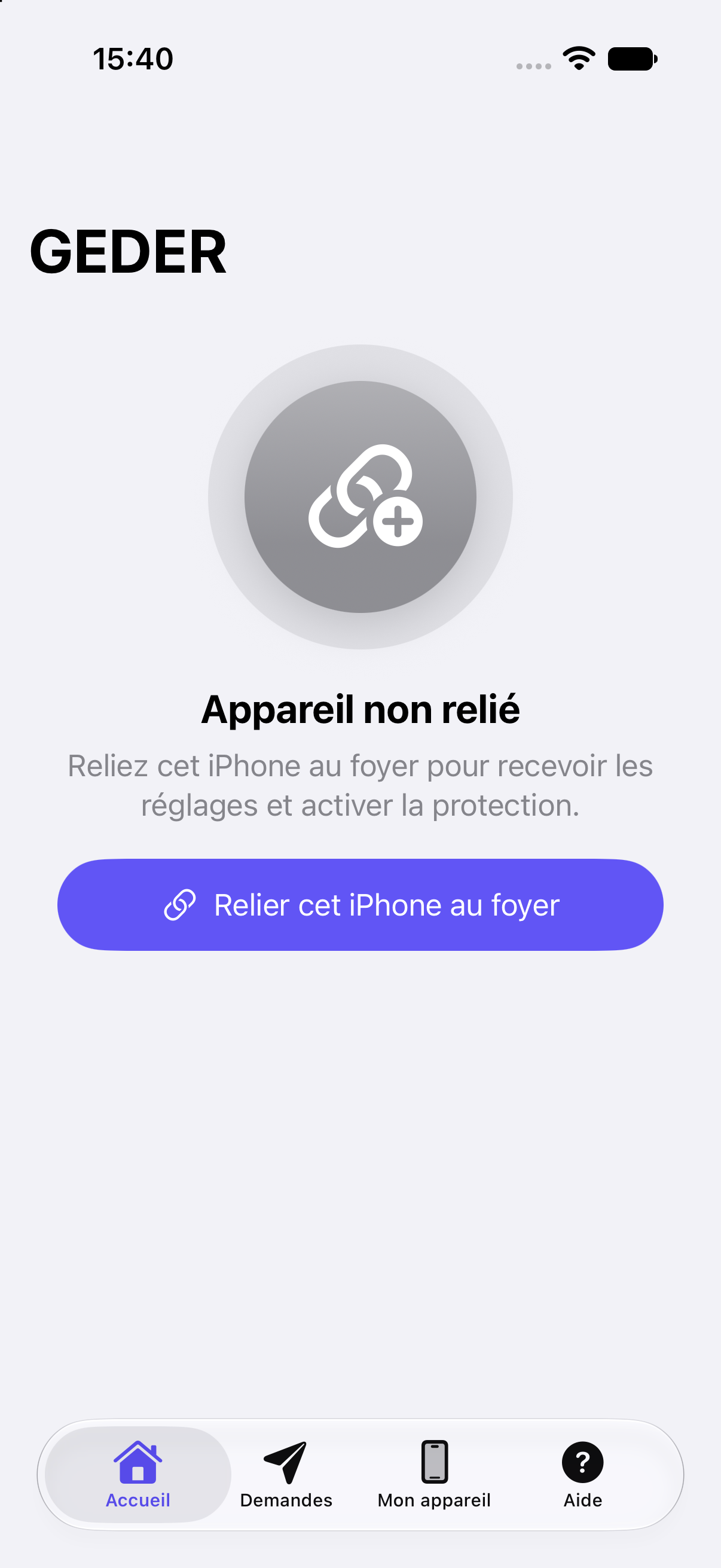
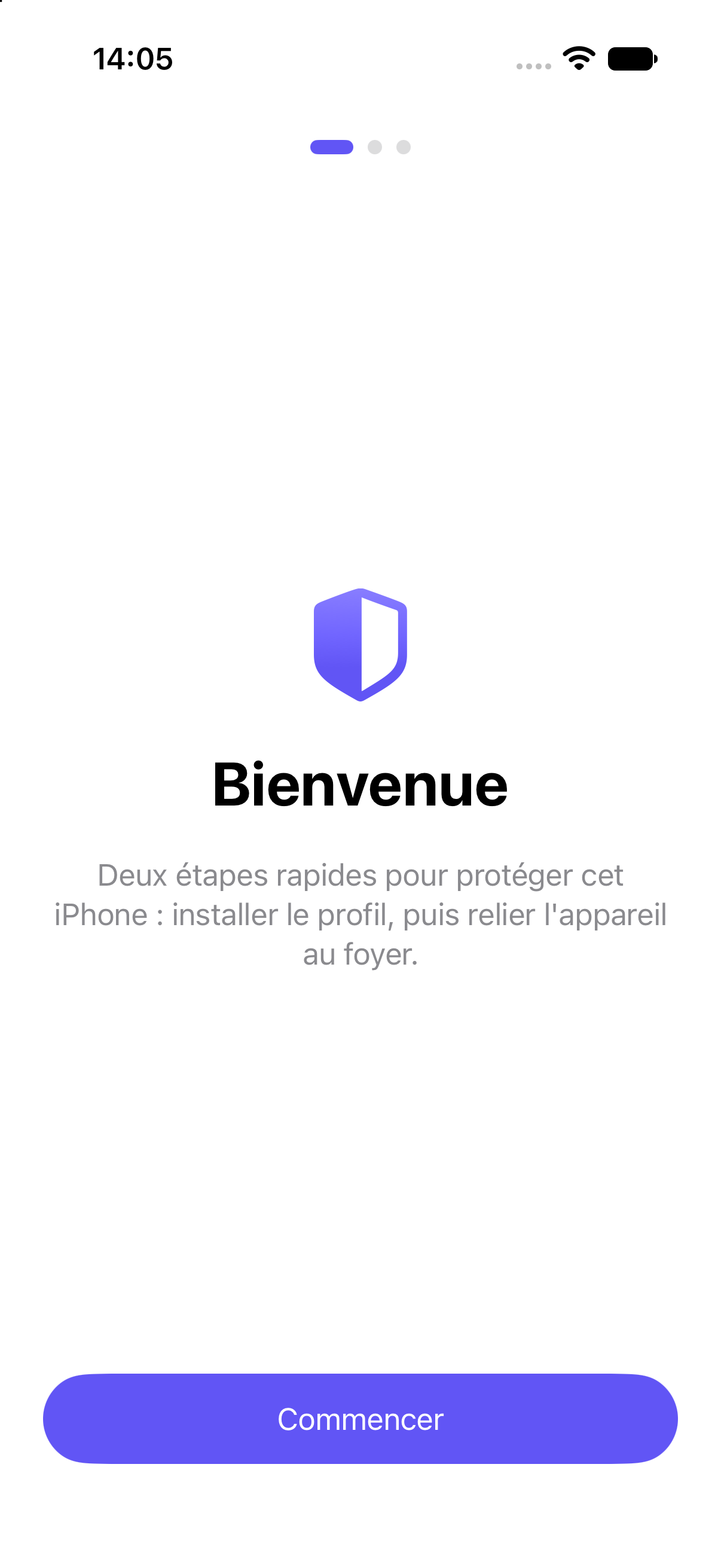
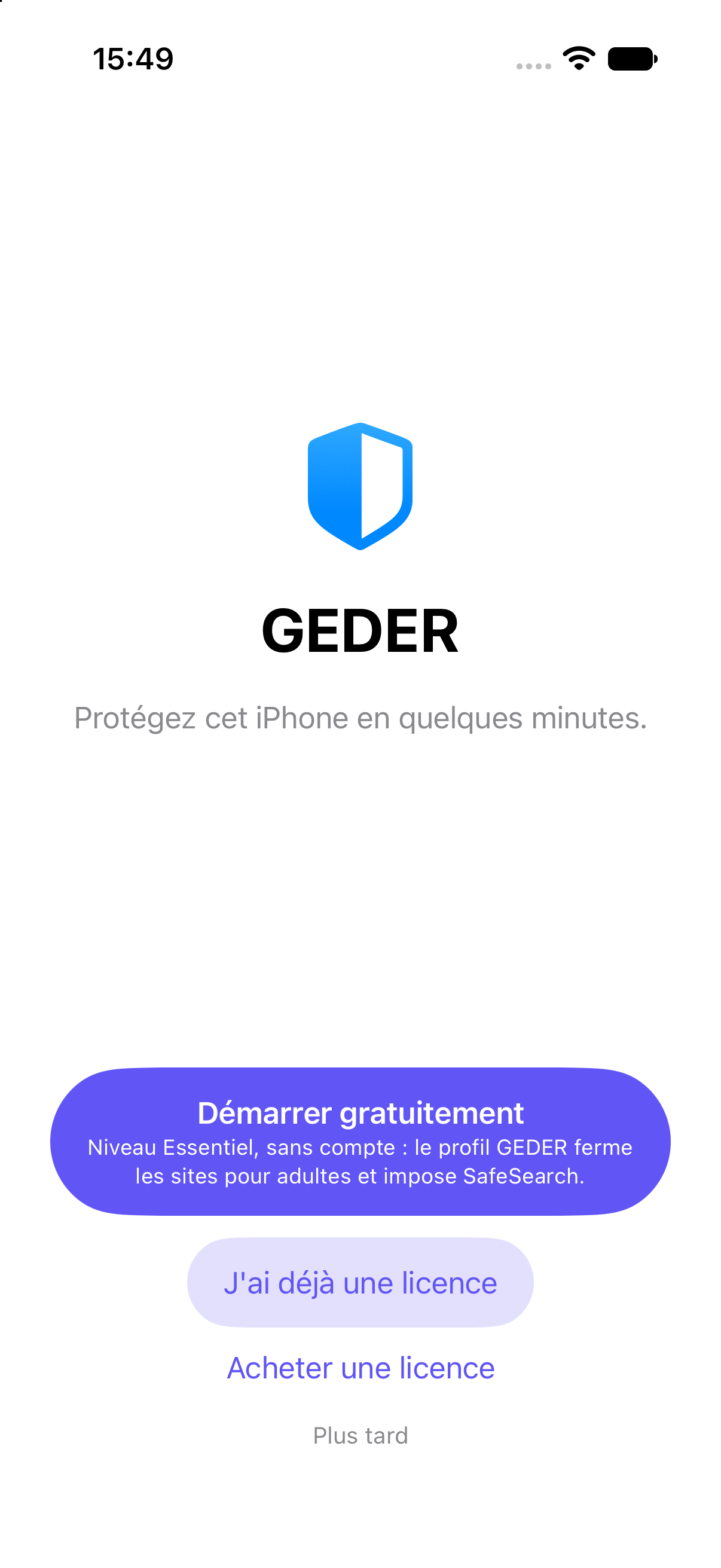
No mockup: the application's own screens.

Free, licence or purchase: three paths, one personal code.

Protection state, devices and requests at a glance.

Allowed sites, apps, schedules: everything without jargon.
On every device. On every device, private browsing included: no adult sites, and SafeSearch enforced.
On every device, private browsing included.
Search engines filter their results, with no option to turn it off.
Your images never leave the device to be examined.
If protection stops, the parents are told.
Behind the filter, humans who answer fast — and speak your language.
A question, a block, an install: the conversation stays human.
Unblock requests reach the parents, who decide in one click.
A six-digit code, and the team sees the screen — with your consent, every time.
Fifteen days, no card. Install it, check it, decide — and stop if it does not fit.
No. The filter decides on your device. Your history is sent nowhere; only the unblock requests you send reach us.
No. @t Filter installs like an app, and you are alerted if the filter is turned off. For a complete lock (no uninstall, no factory reset), the phone is reset once: we guide you and back up your data beforehand.
You request it in one tap from the device. Our team checks the website and opens it for your household, or for everyone.
Android phones and tablets, Windows computers. iPhone, iPad and Mac are coming soon.
A question, an institution, or an assisted installation? Leave your details: a @t Filter advisor will get back to you.